TV Box UK – Your Complete Guide to Streaming Boxes and Set-Up
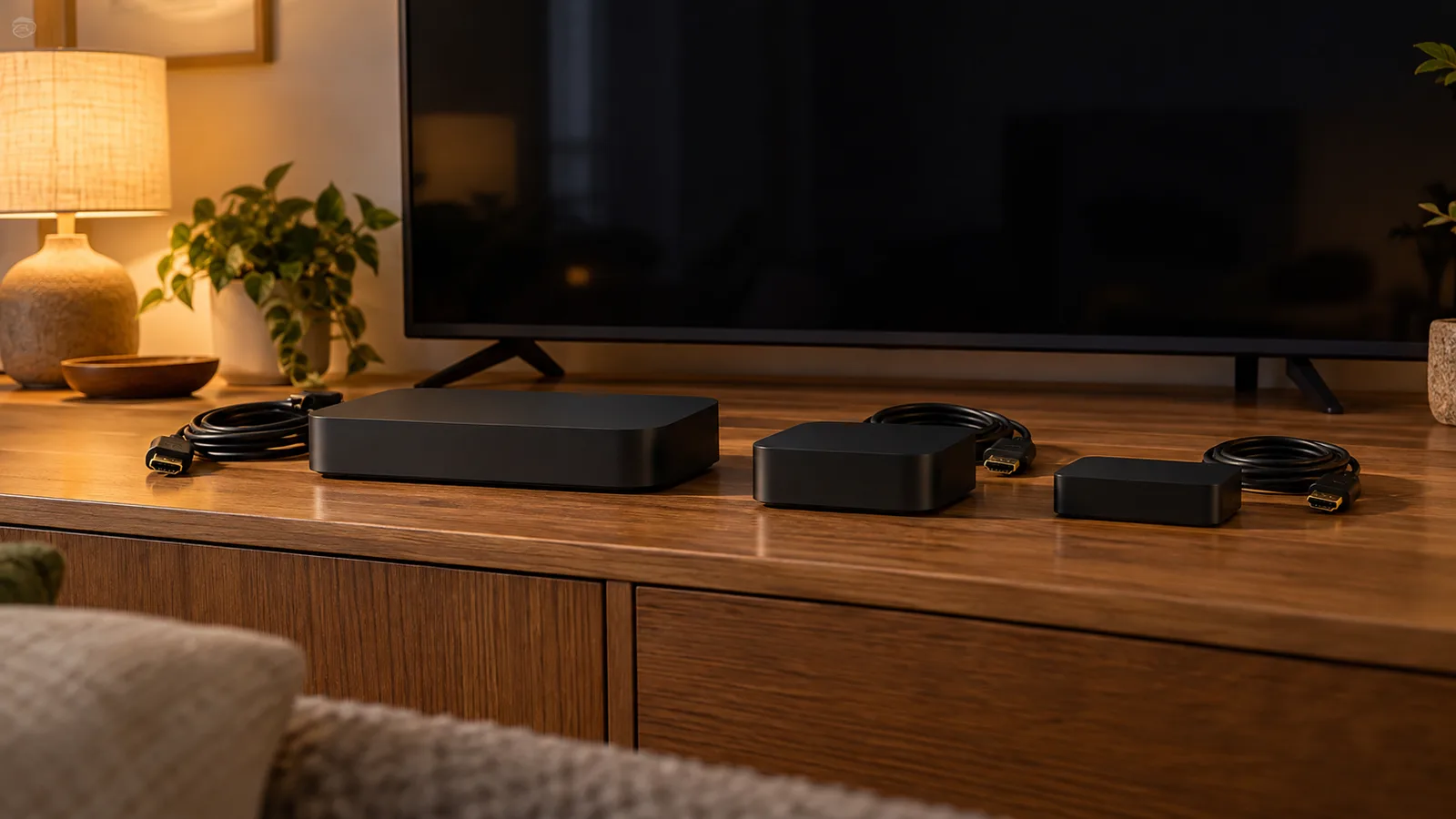
A TV box turns any television with an HDMI port into a connected entertainment hub. Whether you want free UK channels, paid streaming apps or an IPTV subscription, the right box plugs straight in and starts working within minutes. The UK market has more choice than it has had in years, from budget Freely streamers under £100 to premium Apple TV 4K hardware, and picking the right one depends on what you actually plan to watch, the broadband speed at your address and whether you want to pay a monthly fee at all.
This guide walks you through the main TV boxes sold in the UK, what each one offers, how to set them up and the broadband you need to get a stable picture. If you are interested in the apps that run on these devices, our best IPTV apps page covers the software side in detail.
What Is a TV Box and Why Would You Need One?
A TV box (also called a streaming device, set-top box or media player) is a small piece of hardware that connects to your television and delivers content over your internet connection. Trading Standards Scotland describes watching TV through devices such as Amazon Fire Sticks, Android boxes and similar hardware as Internet Protocol Television (IPTV). At its simplest, the box receives a signal over your broadband, decodes it and sends a picture to your screen.
You might need a TV box if:
- Your television is older and does not have built-in smart TV apps.
- Your smart TV's built-in apps have become slow or are no longer receiving updates.
- You want access to apps or services your TV's operating system does not support.
- You prefer a single device that consolidates all your streaming in one place.
BBC iPlayer explains that a TV's picture quality is separate from the internal computer that runs its apps. This computer can be built into the TV itself, a set-top box or a streaming stick. Over time, these computers may not keep up with app updates and security improvements, and BBC removes iPlayer support only as a last resort when it is no longer possible to keep things running smoothly. When that happens, adding an external TV box is often simpler and cheaper than replacing the entire television.
TV Boxes Available in the UK
The devices below are all sold in the UK with verified pricing. They split into three camps: free platforms that cost nothing monthly, a paid streaming puck bundled with a subscription, and standalone media players you load with your own apps.
Free-to-Air Streaming Boxes – Freely
Freely is a collaboration between the BBC, ITV, Channel 4 and Channel 5 that lets UK audiences stream live TV channels alongside on-demand content for free, removing the need for a dish or aerial. Two dedicated streaming devices bring Freely to an existing television:
Both connect via HDMI and stream over Wi-Fi. Freely's channel guide includes BBC One, BBC Two, ITV1, Channel 4, Channel 5, BBC Three, BBC Four, E4, Film4, More4, ITV2, ITV3, ITV4, BBC News and more. Regional channels depend on your postcode. You pay once for the box and nothing monthly. Unlike Freeview, which relies on a traditional TV aerial signal, Freely delivers all its channels over your home broadband connection via Wi-Fi, with no aerial, satellite dish or additional cabling.
If you would rather buy a complete television with Freely built in, Freely lists TV models from Hisense, TCL, Toshiba, Sharp, Haier and Philips. Prices start at £139 for a Sharp 24-inch, rising through a Toshiba 32-inch from £149, a Philips Ambilight 32-inch from £229, a TCL 43-inch from £265 and a Hisense 43-inch from £269.
Sky Stream
Sky Stream is a streaming puck that plugs into a TV with an HDMI cable. No dish or professional installation is needed. It streams entirely over WiFi. Sky Essential TV for new customers costs £15 a month on a 24-month minimum term or £18 a month on a 31-day rolling subscription (prices may change). The Sky Stream puck itself is loaned at no cost. Sky Essential TV includes a selection of Sky channels (including Sky Atlantic, Sky Sports News and Sky Sports Mix) plus discovery+ and Netflix Standard with Ads.
Google TV Streamer
The Google TV Streamer (4K) is listed at £99 on Google's UK store. It supports up to 4K HDR with Dolby Vision and Dolby Atmos, has 32 GB of storage and a built-in Ethernet port. It also doubles as a Google Home and Matter hub with Thread, so it can control compatible smart home devices alongside your television. The Google TV interface gives you access to the Google Play Store, where you can install BBC iPlayer, ITVX, Netflix and other streaming apps.
Apple TV 4K
Apple sells Apple TV 4K in the UK at £199 for the Wi-Fi model with 64 GB of storage and £249 for the Wi-Fi + Ethernet model with 128 GB. It connects by HDMI 2.1, has Wi-Fi 6 and plays Dolby Vision and HDR10+ up to 2160p. The Wi-Fi + Ethernet model adds Gigabit Ethernet and Thread. The App Store lists Apple TV among supported devices for BBC iPlayer, ITVX, U (UKTV), Sky Go, Infuse and VLC, among others.
Choosing Between Them
Your best option depends on what you watch. If you mainly want live UK free-to-air channels without a monthly bill, a Freely streaming device at £89 or £99 is the most direct route. If you want Sky's exclusive channels and do not mind a contract, Sky Stream removes the dish at £15 a month. For a general-purpose streaming box that runs a wide range of apps, the Google TV Streamer and Apple TV 4K both handle 4K HDR content and offer large app libraries. To understand how IPTV subscriptions work on these devices, visit our guide to what IPTV is.
Setting Up Your TV Box
Most TV boxes follow a similar setup pattern. Freely's own documentation gives a clear example of what to expect, and the general steps apply to any streaming device.
Before You Start
Freely advises having your Wi-Fi password ready before switching on a new device. If your TV or box has an Ethernet port and a cable is available, Freely recommends connecting it before powering on – a wired connection is automatic and more stable for streaming. If you plan to add aerial channels on a Freely TV, connect the aerial before starting setup as well.
The Setup Process
- Connect the hardware. Plug the TV box into an HDMI port on your television. If your TV has an HDMI port, you can use a streaming device to add Freely, Google TV or Apple TV to your current set. Connect the power cable.
- Connect to the internet. During the on-screen setup, select your Wi-Fi network and enter the password. If you have already connected an Ethernet cable, the device detects the wired connection automatically.
- Follow the on-screen wizard. Freely lists typical setup choices as language, location, postcode for your region, internet connection and a channel scan. Other boxes (Apple TV, Google TV Streamer, Sky Stream) have their own guided wizards covering similar ground.
- Sign into your apps. After the initial setup, sign into each broadcaster player separately to watch its on-demand programmes. Freely names BBC iPlayer, ITVX, Channel 4, Channel 5 and U as apps that need their own login. Most apps let you sign in by scanning a QR code or entering a short code on a second device such as your phone.
This process takes around 10 to 15 minutes on most boxes. Once complete, you are ready to watch live and on-demand content straight away.
Broadband Speed and Connection Tips
Every TV box that streams over the internet depends on your broadband connection. The speed you need varies by the picture quality you want to watch in.
Freely recommends a minimum broadband speed of 10 Mbps for live streaming and on-demand content. For comparison, EE's help guide states the following minimum speeds for its on-demand and catch-up TV:
- SD quality: 2.5 Mbps
- HD quality: 5.5 Mbps
- UHD quality: 25 Mbps
Sky states that watching content in UHD/HDR with Dolby Atmos on Sky Stream requires broadband with a minimum speed of 30 Mb/s.
If you are unsure about your broadband speed, Ofcom's broadband and mobile checker takes a UK postcode and shows estimated speeds and availability from providers in your area. Ofcom notes that actual speeds may differ from the estimates shown.
Wi-Fi vs Ethernet
Freely recommends Ethernet where it is available. Google's troubleshooting for Chromecast and Google TV devices similarly recommends checking that your streaming device and mobile are on the same Wi-Fi network, restarting the streaming device and restarting the router. Google notes that Chromecast and Chromecast with Google TV have no built-in Ethernet port and require a supported Ethernet adapter sold separately. The Google TV Streamer, by contrast, includes a built-in Ethernet port, as does the Apple TV 4K Wi-Fi + Ethernet model.
If your TV box sits near your router, a wired Ethernet connection is almost always better than Wi-Fi for avoiding buffering during live TV. If a cable is not practical, position the box as close to the router as possible and keep the router away from behind furniture or other electronics.
TV Licence and Legitimate Use
A TV box is a piece of hardware. What matters legally is what you watch on it. Trading Standards Scotland states that the technology used in IPTV is legal and the devices are legal when used to watch legitimate free-to-air content or paid subscription channels such as Netflix. They become illegal only once adapted to stream illicit content.
Separately, you need a TV Licence to watch or record live TV on any channel or service, on a TV, computer or other device, and to use BBC iPlayer. You do not need one for streaming services like Netflix and Disney Plus, on-demand TV through services like All 4 and Amazon Prime Video, or videos on websites like YouTube. A colour TV Licence costs £180 a year from 1 April 2026.
For a deeper look at where the legal lines sit, read our guide to IPTV legality in the UK. If you are considering IPTV subscription options specifically, our IPTV subscription page explains how pricing typically works and what to look for in a provider. You can also browse our home page for the full range of guides we publish for UK viewers.
What is the cheapest TV box in the UK?
The Manhattan Aero 4K TV Streamer starts from £89 and gives you Freely's full lineup of live UK channels and on-demand content at no monthly cost. The Netgem PLEIO 4K Puck starts from £99. Both are Freely streaming devices designed specifically for UK free-to-air television over broadband. For Freely TVs with the platform built in, the cheapest option is a Sharp 24-inch model from £139.
Do I need a TV Licence to use a TV box?
You need a TV Licence if you use your TV box to watch or record live TV on any channel or service, or to watch BBC iPlayer. You do not need one if you only use on-demand services like Netflix, All 4 or Amazon Prime Video. A colour TV Licence costs £180 a year from 1 April 2026.
What broadband speed do I need for a TV box?
It depends on picture quality. Freely recommends at least 10 Mbps for live streaming and on-demand. EE states 5.5 Mbps for HD and 25 Mbps for UHD on-demand content. Sky requires at least 30 Mb/s for UHD/HDR with Dolby Atmos on Sky Stream. You can check your speed at Ofcom's broadband checker.
Can I use a TV box without Wi-Fi?
Several TV boxes can connect via Ethernet instead of Wi-Fi, which tends to give a more stable connection. The Google TV Streamer and the Apple TV 4K Wi-Fi + Ethernet model both have built-in Ethernet ports. Freely recommends Ethernet where available and advises connecting the cable before you first switch on the device so the wired connection is picked up automatically.
Is it legal to use a TV box in the UK?
Trading Standards Scotland states that the devices are legal when used to watch legitimate free-to-air content or paid subscription channels. The technology itself is legal. The devices become illegal once adapted to stream illicit content. Read more in our guide to IPTV legality.
Will my older TV box still work with BBC iPlayer?
BBC explains that the computer inside a TV box may eventually fall behind app updates and security improvements. BBC removes iPlayer support only as a last resort. If your box loses iPlayer, BBC recommends checking other compatible devices you may already own, including connected Sky, Virgin, BT TV or Freesat boxes, games consoles, and Fire TV, Roku, Apple TV or Chromecast streaming devices, before replacing the television or box entirely.
24-hour trial
Check the service on your own device first.
7-day money-back guarantee
Seven days to ask for your money back.
24/7 support
Setup and viewing help, day or night.
No minimum term, no hidden fees
No minimum term, and nothing added later.
Common questions
What do I need before I start?
A device you already own and a steady internet connection. What we supply is the subscription and a written setup guide.
Is there a trial?
Yes. A 24-hour trial is available, so you can check the service on your own device first.
Can I get my money back?
A 7-day money-back guarantee applies.
Is there a minimum term?
No. There is no minimum term and there are no hidden fees.
Do I need a VPN?
No. A VPN is not required. You may use one if you prefer.
What happens after I send an enquiry?
We reply with the plan that fits and the setup steps for your device. The form is an enquiry, not an order, and nothing is charged on this site.
What you get
The same IPTV service comes with every plan, whatever the term.
25,000+ live channels
Reliable live TV streaming, listed in the TV guide.
140,000+ films and series
Films and series on demand, included in every plan.
Full HD 1080p
Full HD 1080p picture on supported devices.

Sport and PPV included
Sports channels and PPV events are part of every plan; which events are available can vary.
TV guide (EPG)
An on-screen guide shows what is on now and what is next.
Works on your existing devices
Works across supported devices and IPTV applications.
24/7 support
Help around the clock, plus a written setup guide.
No minimum term, no hidden fees
No minimum term and no hidden fees on any plan.
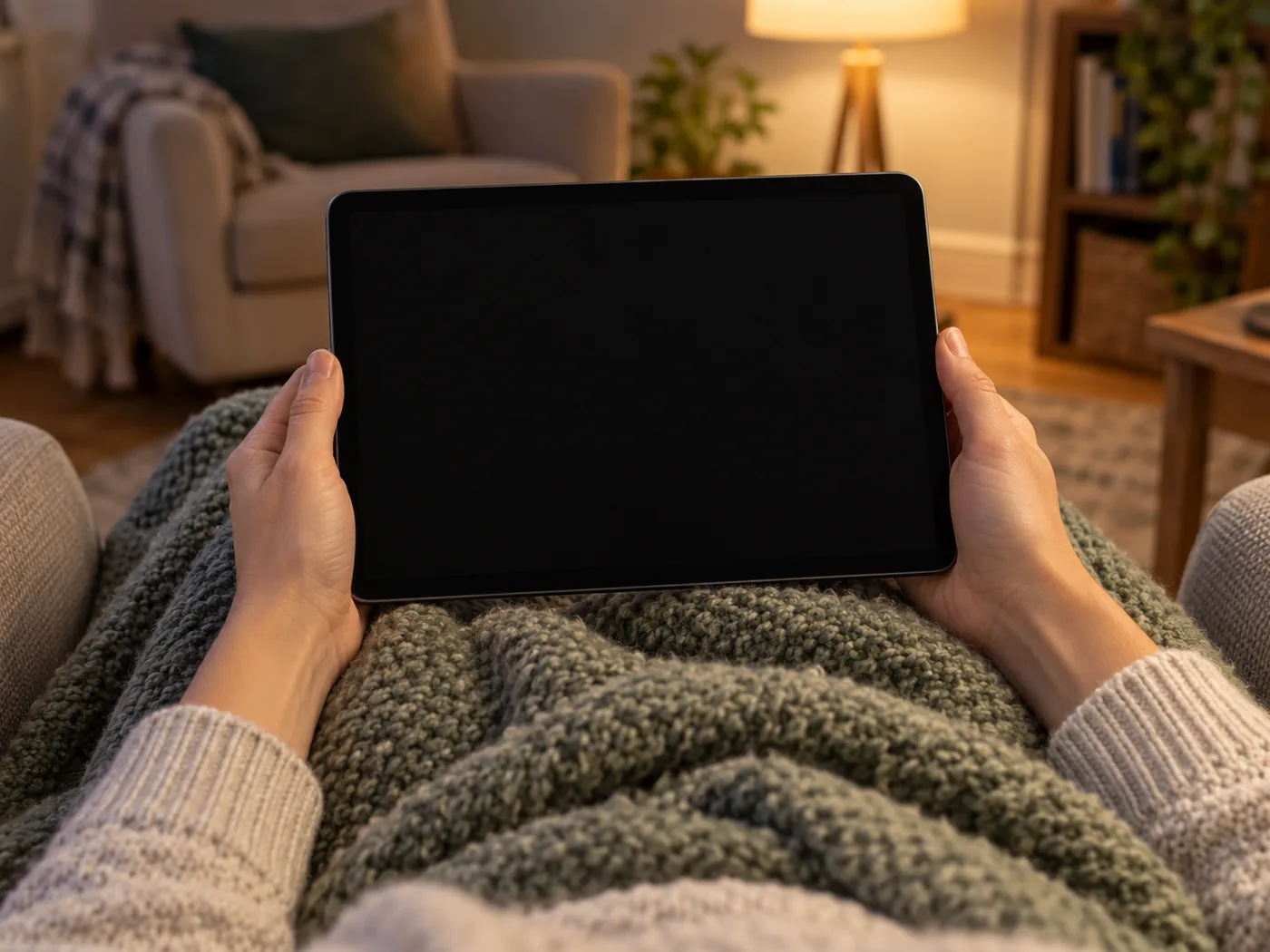
Works on your devices
Works across supported devices and IPTV applications.
- Smart TV
- Android TV
- Streaming stick
- Set-top box
- Phone and tablet
- Computer
- Written setup guide included
- No VPN required
Works with common IPTV applications on devices you already own. Device types are listed for compatibility only.
How it works
- 1
Choose a plan
Pick how long you want and how many devices watch at once.
- 2
Tell us how to reach you
Leave your details and we reply with setup instructions.
- 3
Start watching
Set it up on the device you already own using our guide.
Stated plainly
How the price is set
The length and the number of devices set the price. It is shown before you enquire, and nothing is charged on this site.
If you need help
Support is reachable around the clock. Setup questions are answered with a written guide for your device.
Trial and refund
A 24-hour trial is available, and a 7-day money-back guarantee applies.
Check before you commit
Check that your device is supported and your connection is steady. A VPN is not required; you may use one if you prefer.

Ready to see the plans?
Tell us which device you watch on and how many devices you want to use at once. We reply with the plan that fits and the setup steps. It is an enquiry, not an order.
- 24-hour trial
- 7-day money-back guarantee
- No minimum term, no hidden fees
- 24/7 support